

WeddingTakt
Seating & room plan
Arrange tables and find a place for every guest.
7 days free · No card required

Inside your planning workspace
How you use it.
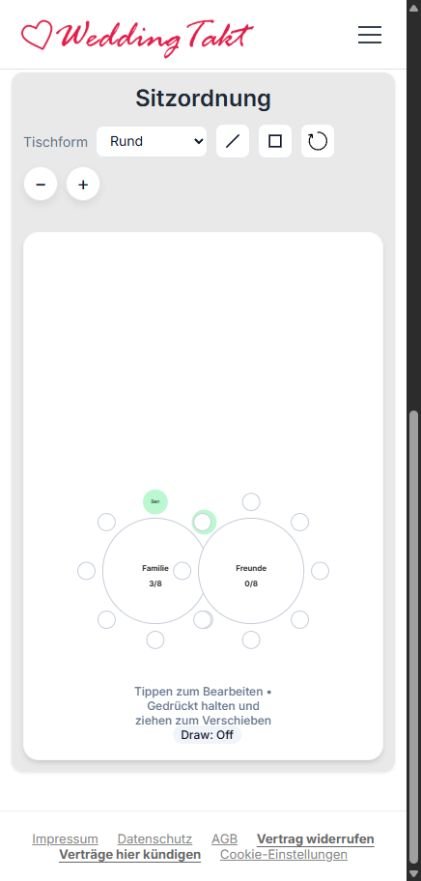
Turn your guest list into a clear seating arrangement. Organize tables and places, then position the tables in the visual room plan to suit your celebration.
Create tables with names, shapes and capacities. See how many guests are already assigned to each table.
Assign people from your existing guest list. Drag tables into position and use zoom to inspect the layout.
Adjust the arrangement as responses change. Use the print layouts to prepare your seating information for the wedding day.
Your dashboard. Your plans.
Create an account, verify your email and set up your wedding. Then work with guests, tasks, invitations and seating directly in your personal dashboard.
Each eligible couple or planner receives one 7-day free trial after verifying the email address. No card is required.